
Editorial dates are assigned for this collection; they do not represent original publication or author approval dates. The update date records this site revision.
FIELD PERSPECTIVE · 2 MIN READ
Map the events the room hosts
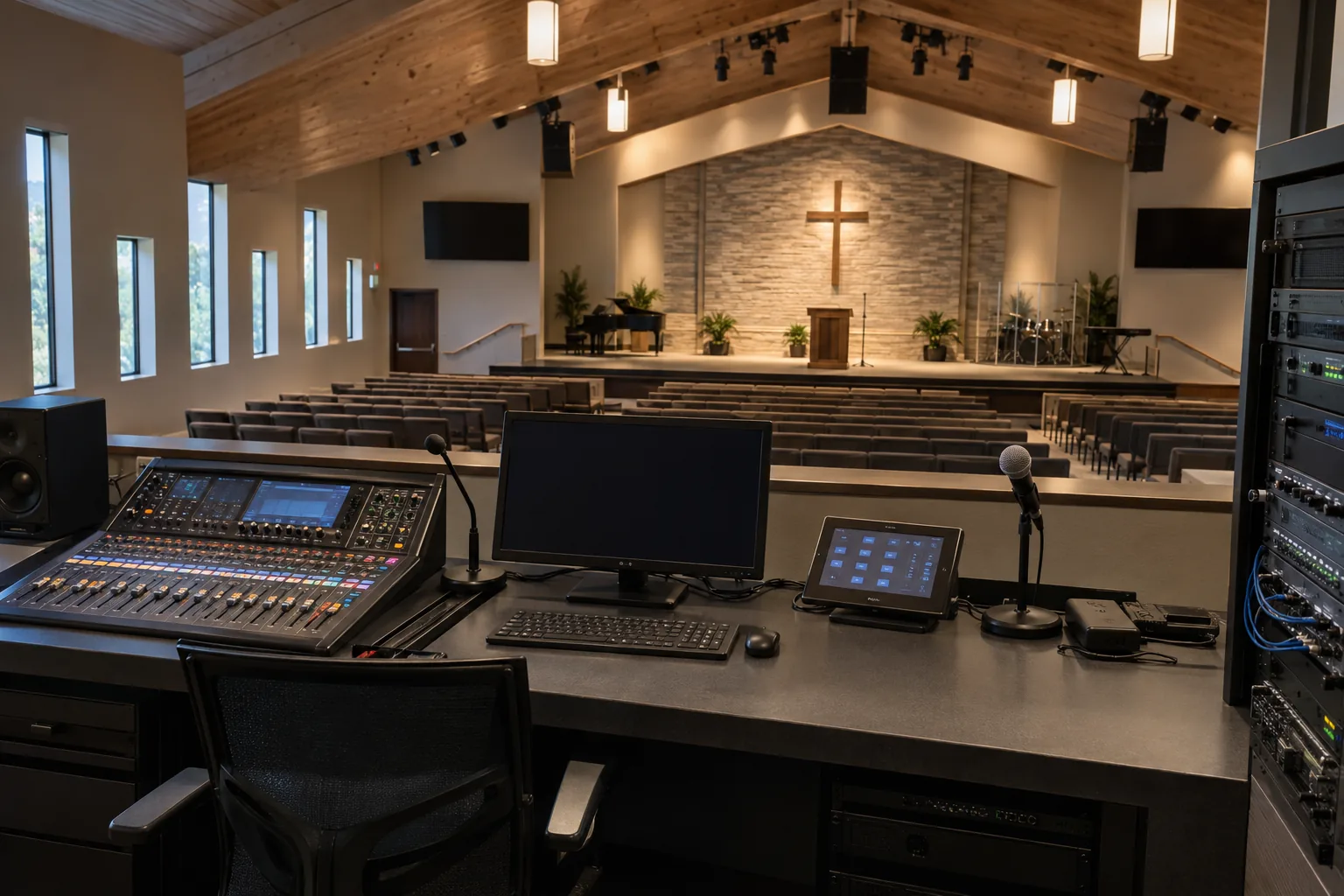
A service, memorial, lecture and community meeting can use the same space with different microphone, display, streaming and recording needs. Write a basic setup for each approved mode. Survey reverberation, speaker coverage, sight lines, assistive listening and cabling routes before selecting equipment.
Reduce fragile manual steps
Label inputs, stage microphones and define levels or presets around repeatable use. Confirm who owns streaming accounts, network ports and content permissions. The goal is to let a trained volunteer start a service without searching an equipment rack or changing hidden administrator settings.
Rehearse with the actual operators
Ask a first-time volunteer to start a microphone, display lyrics, send a permitted stream and recover from a disconnected laptop. Listen from front, back and overflow spaces, including speech intelligibility. A powered-up console and a picture on one screen do not prove the congregation can hear and see.
Make support accessible
Hand over a short setup card, signal path, labeled patching, spare and escalation contacts, account ownership and update procedure. Record remaining acoustic limitations. Revisit the presets when room seating or event formats change, rather than letting undocumented workarounds become the operating method.
Working example: The scenario below is illustrative. It describes a practical design and review method, not a completed customer project or a guaranteed result.
A working scenario
A volunteer inherits a console with unlabeled inputs and loses spoken audio when switching to a laptop feed.
The decision to make before buying
List event modes, signal flow, room acoustics, operator roles and approved streaming paths.
A useful acceptance test
Have a new operator run the main service and recovery steps without technician intervention.
What the owner should receive
Provide presets, setup card, signal drawing, account owner and support escalation.
Questions owners ask
Why does AV training fail after handoff?
Training only the installer or one expert misses volunteer turnover. Give several operators a simple written setup and observe them use it during a representative event.
What belongs in the room quick guide?
The start and shutdown order, source selection, microphone and display controls, common fault steps, account owner and whom to call when the room cannot recover.
Project conditions and responsibilities vary. Confirm the actual scope and test plan with the owner and project team.